With LSI’s recent announcement that the company has begun sampling 12Gb/s SAS technology to OEMs, it seemed a good time to write about SAS. Also an opportunity to clear up a couple common misconceptions.
SAS, or Serial Attached SCSI, is the current interface of choice in the enterprise for connecting drives (either HDDs or SSDs) to servers and storage arrays. Current technology is at 6Gb/s but 12Gb/s technology is just around the corner with plugfests occurring in 2012 and production hitting in 2013.
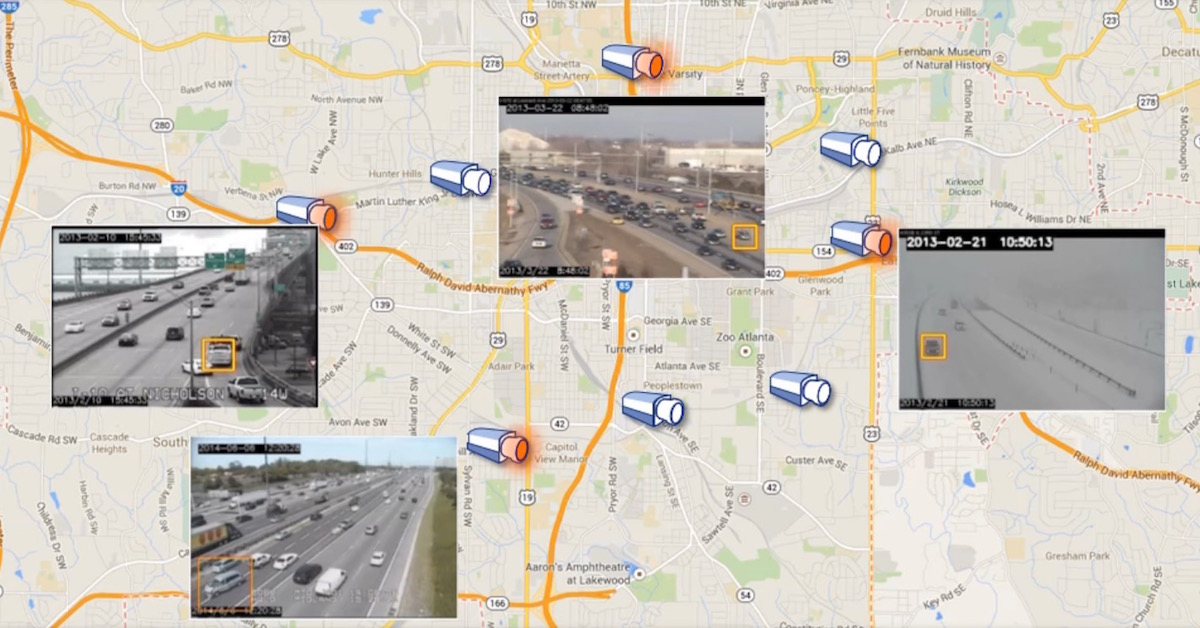
Good stuff – and double the speed too. Well…yes in a matter of speaking. And that’s the first area to clear up with misconception #1. With SAS speeds, we’re talking about bandwidth. An engineer many years ago explained it to me like this and I thought it was brilliant. He told me to think of SAS as if it was a highway system and the cars traveling on the highway represented the data from drives. When we move from generations, 6Gb/s to 12Gb/s for this example, it’s never really about how much faster the cars can go, but how much wider you make the roads so that more cars can travel on them before they are forced to slow down in “traffic”. And no doubt about it, with the growing amounts of data that we’re expected to see based on numerous industry forecasts, we need all the highway space we can get. And 12Gb/s technology will definitely provide more lanes on the road.
Misconception #2 relates to SATA vs. SAS and really covers a number of issues about how the technologies are often judged between each other. When having discussions with people over the years, there has been the general assumption that a SAS-based system should always be faster than SATA. Afterall, SAS is the traditionally preferred enterprise interface, costs more, and therefore should be superior in all ways right? The answer though is really dependent on the application and the environment where the storage is used. SAS has a lot more intelligence onboard, and a lot of it is related to maintaining data-integrity. Well that added intelligence means more functionality, which can relate to more time needed to complete some operations. A simple example is bootup – there’s more checking going on with a SAS system at bootup that a SATA system doesn’t do. So guess which will be faster? SATA.
But what about transactional performance? Again, depends on the system. Stick an otherwise equivalent single SAS drive into a workstation (Seagate Constellation and Constellation ES drives are offered with SATA or SAS), and the various error and data integrity checks can result in slightly slower performance. But if we’re talking a group of SAS drives in a server or storage array, then we’ll start to see great performance vs. what a group of SATA drives could otherwise do. SAS allows more customization of the system and many IT pros will configure their systems through adjusting mode page settings of the drives. For example, Seagate SAS drives like Constellation allow dual-porting, can be configured for enabling or disabling write cache, and customized for power management via four modes of PowerChoice settings.
So the bottom line is that a SAS-based system will shine when there are multiple drives running in a server or storage array, as well as providing protection for mission-critical data that SATA can’t offer. But for small systems where the extra functionality isn’t required, or single-drive environments for desktops and workstations, SATA is ideal. Each interface has its place.


[...] off of last week’s post about SAS vs. SATA myths, let’s now shift gears to review an old myth about SSDs vs. HDDs. Of course Seagate makes [...]
[...] SAS mythbusters: Data highways and SAS vs. SATA} Tom’s Hardware investigates SSD reliability [...]
All things being equal, data-integrity of SAS aside, what would be the performance gain in a SAS RAID over a SATA RAID?
Hi Frederic,
Thank you for your question. You will start to see the performance gain of a SAS RAID once you move beyond smaller configurations (such as simple 2-4 drive setups). The specific amount varies. Basically, the more drives you run off a SAS RAID, the more benefit and flexibility you’ll see. You have the option of running in a dual-port setup with SAS which can increase performance depending on how you configure your system (you can also use dual-port for reliability assurance).
so when moving from 6gbs to 12gbs is really just for moving more data at the same speed as before what is the speed the data travels as long as it doesnt have to slow down?
Hi Mark,
Thanks for your question. The data transfer rate will vary depending on the speed of the drive. Today’s Cheetah 15K.7 HDD has a sustained transfer rate between 122-204 MB/s. The interface itself does not speed up that rate to 6Gb/s. It would be nice IF it could – then the Cheetah would be moving somewhere around 800MB/s+!
Hello,
To get a more complete picture based on the first question above, what advantages, if any, would a SAS RAID 1 2-disk column have over a SATA version of the same?
Thanks ahead,
Tibor
With otherwise equal drive families used for a small two-drive RAID set for SAS or SATA respectively, the SAS configuration would provide the more advanced set of features around data integrity and error correction, etc. From a performance perspective, you wouldn’t see any substantial differences between the two setups.
[...] http://enterprise.media.seagate.com/2011/07/inside-it-storage/sas-mythbusters-data-highways-and-sas-… [...]
[...] http://enterprise.media.seagate.com/2011/07/inside-it-storage/sas-mythbusters-data-highways-and-sas-… [...]
What about access times? A SAS drive spinning 15k rpm would have better performance in a simple RAID1 setup regarding access times, or is this lost with data integrity and errorchecking overhead?
What about databaservers with lot of TPS and high I/O load? Would it be wise to use SAS vs SATA here in RAID1? Performance-wise…
What about RAID10?
[...] from companies like Seagate would drive the storage market. Innovations like a new interface (SAS), recording design and capacity (PMR, HAMR, etc.), or even form factor (3.5-inch, 2.5-inch, etc.). [...]
From this article, I understand that the electronics are different between SAS and SATA, but are the drive mechanics different as well? An accepted industry belief is that SATA drives are not as reliable as FC (and SAS, by extension) which doesn’t make sense if they’re both built the same way and are subject to the same rigors.
Unless of course it’s the drive densities that matter, i.e. because SATA drives have traditionally been larger in density than their FC (or SAS) counterparts.
Should I use SATA or SAS for a 8~12 Drive Home Server
To answer Stig Christian Aske – a 15K sas drive is a bunch faster than a 7200rpm SAS or SATA drive. Additional overhead of SAS is negligible compared to the spindle speed bump.
Question for seagate: I see that your specifications for the constellation ES.3 1TB drive show the same unrecovered error rate for the SAS and SATA models (an amazing 1 error per 113 terabytes read!). How does this match up with your statement that SAS is doing more to provide better error handling?